

Approvals & Audit Trail
Stop chasing approvals. Start tracking them.
FlowDesk turns your paper forms, email chains and WhatsApp requests into clear approval workflows — built by you, without code, in Arabic or English.
- No coding
- Arabic & English
- Live within a day
Built for mid-sized companies across the Gulf and Jordan.
Sound familiar?
- "Where is my request?" — asked five times a day.
- Approvals buried in WhatsApp groups and email threads.
- Printed forms that get lost, signed late, or re-typed into Excel.
- Nobody can say for sure who approved what — or when.
There's a better way to run the decisions that keep your company moving.

From scattered to structured
Before FlowDesk
- — Paper forms and printed signatures
- — Requests scattered across WhatsApp and email
- — No one knows where a request is stuck
- — Delays nobody notices until it's too late
- — Data re-typed by hand into spreadsheets
With FlowDesk
- — One digital form for every process
- — Every request routed to the right approver automatically
- — Live status visible to everyone involved
- — Deadlines tracked, overdue requests highlighted
- — Reports and dashboards, no manual compiling
How it works
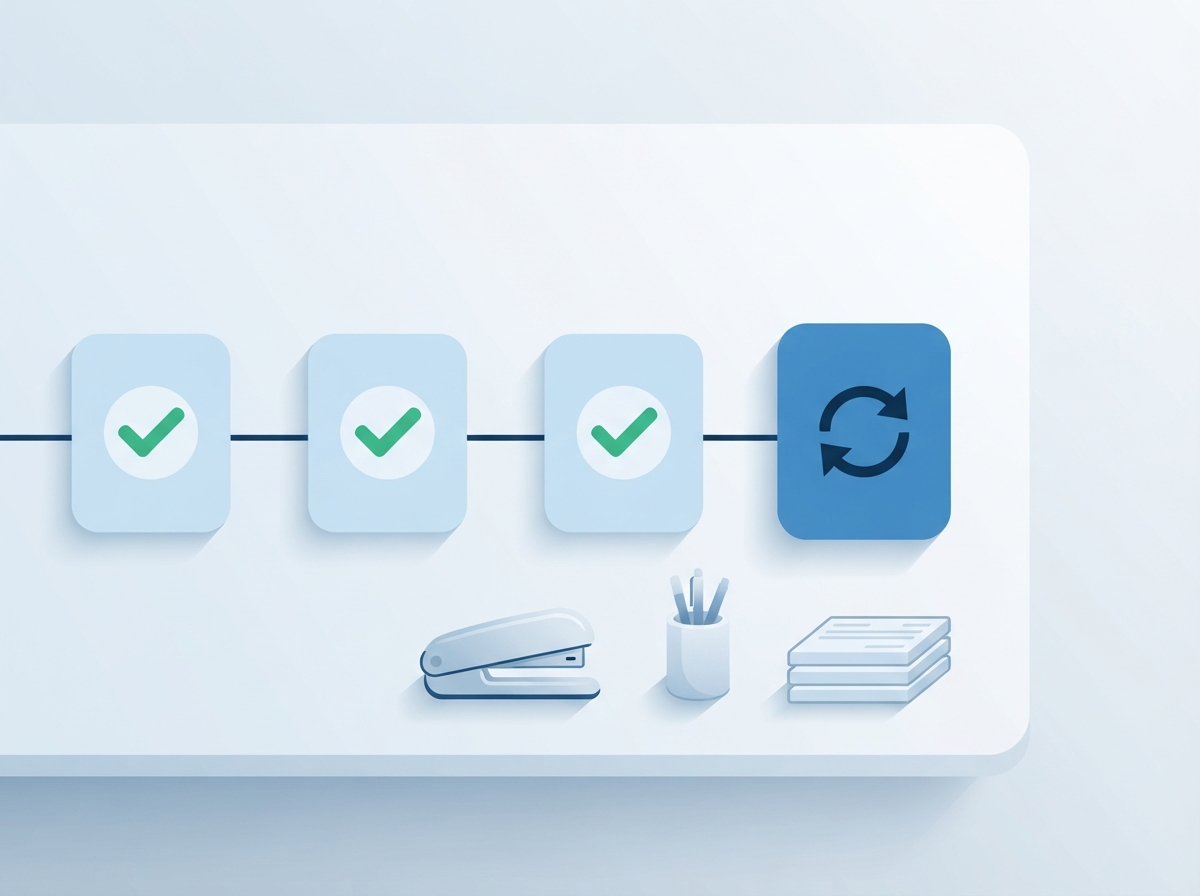
From idea to a working process in three steps.
Build your form
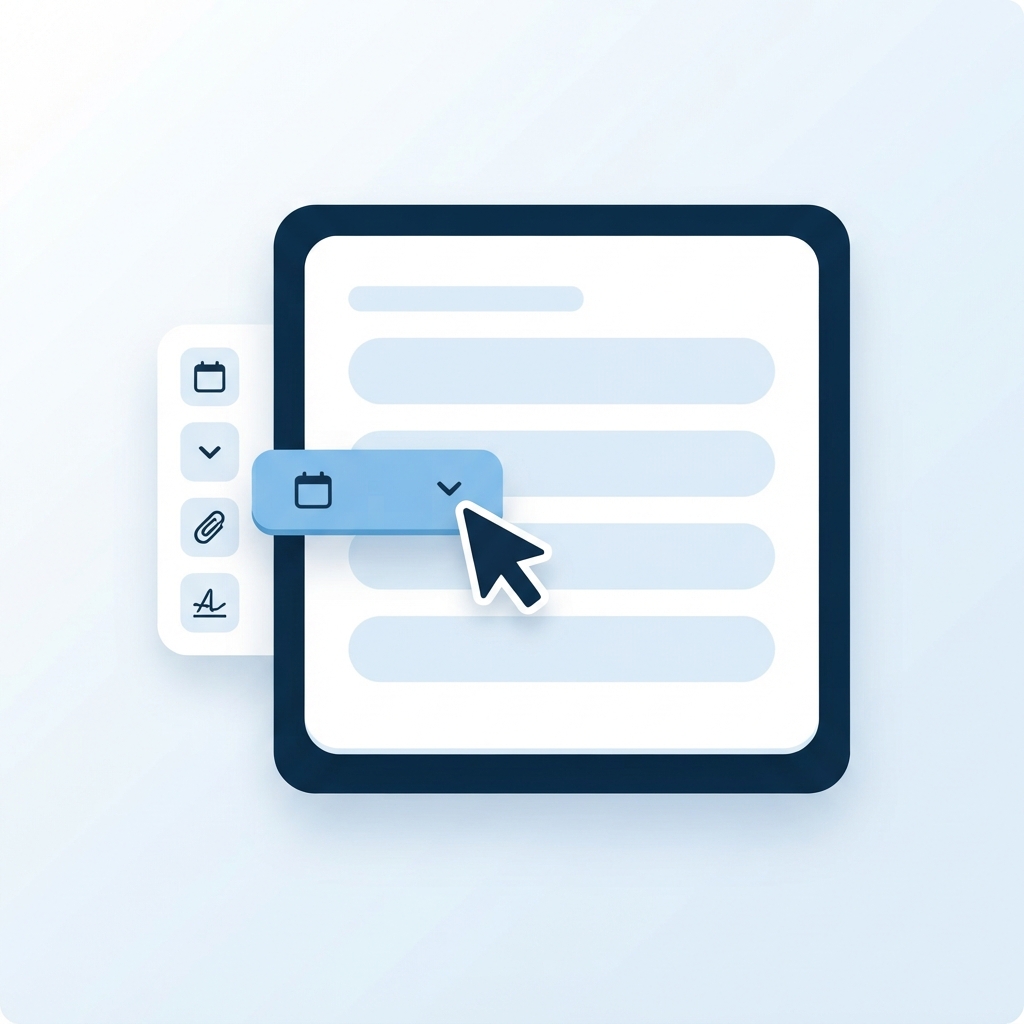
Drag and drop the fields you need — text, numbers, dates, dropdowns, file uploads, signatures, tables and calculated fields. No code.
Design the approval path
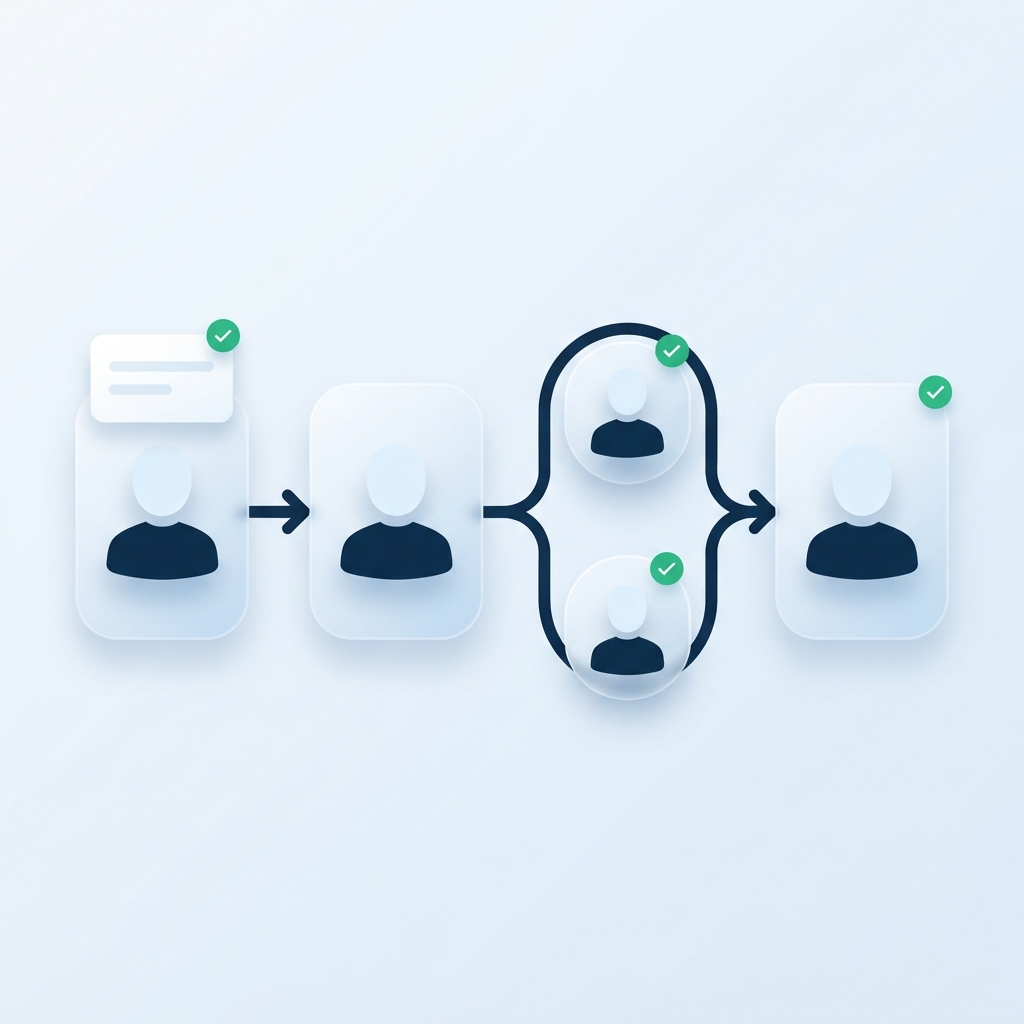
Choose who approves at each step, set a deadline for each one, and add branches when a request needs a different route.

Track everything
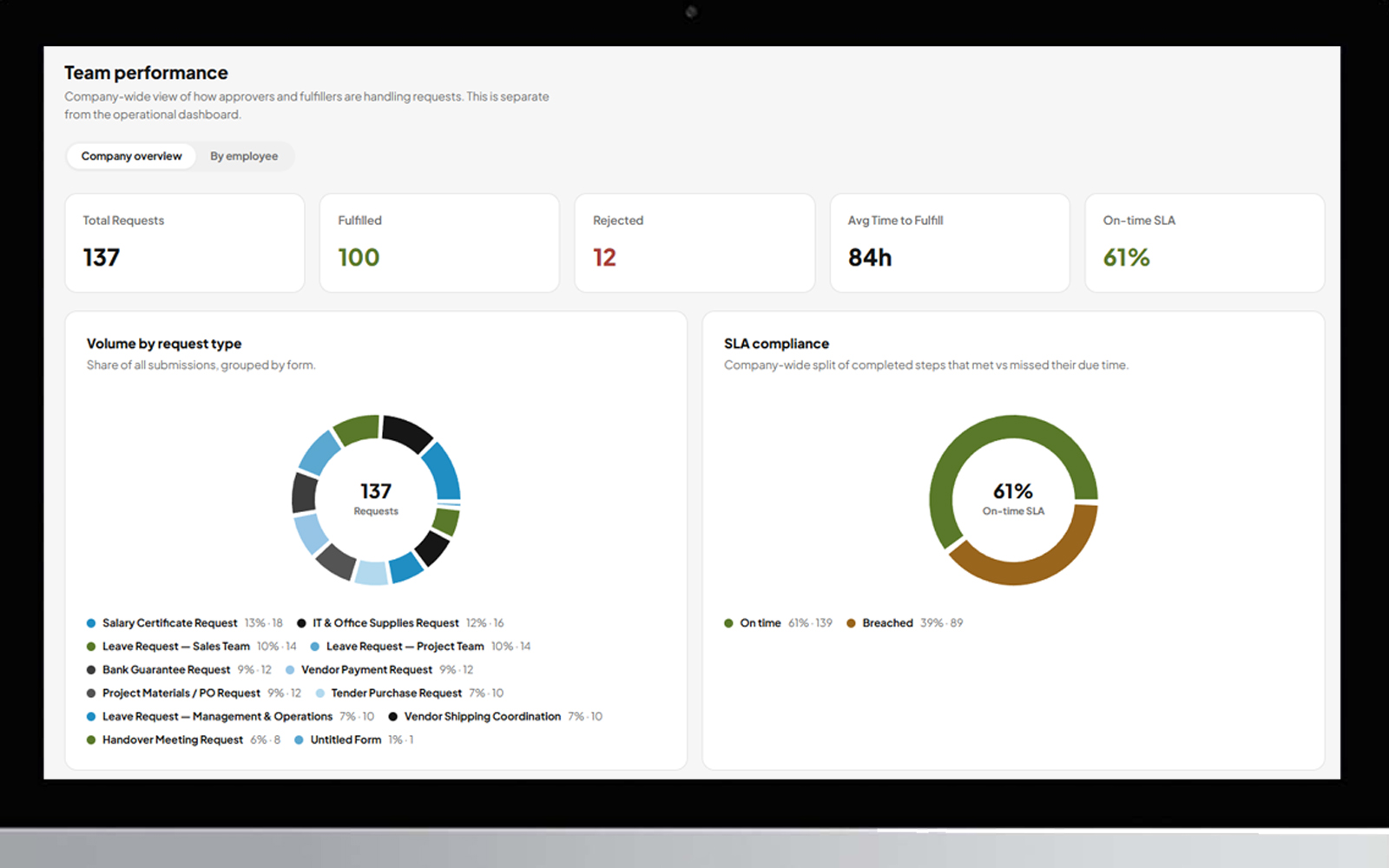
Every request has a live status, every action is logged, and managers get dashboards, reports and a daily digest by email.
Everything you need to run approvals properly
No-code form builder
Build your internal forms by drag and drop, in a fully Arabic-ready, right-to-left interface.
Multi-step approvals
Approve, return for changes, reject or hand over to a colleague — every option works as it should, and the right person is notified on time.
Smart routing
Send a request to several reviewers at once, or route it differently based on a choice on the form — like department or request type.
Deadlines that follow the request
Set a deadline for every step. Overdue requests stand out, and deadlines can even be calculated from the request's own data.
AI Employees
Reusable AI teammates that read documents and drawings, extract data and give recommendations — right inside your approval path.
Connect your other systems
Send and receive data from external systems through APIs, as a step in the same approval path.
Complete audit trail
Who approved, when, and with what note — recorded for every request, without exception.
Dashboards & reports
A live dashboard for managers, exportable reports, and an executive view of team performance.
AI Employees
Meet your first AI Employee
Create an AI teammate once and reuse it in any approval path. Compare three supplier quotes. Extract a parts list from a drawing. Review a document against your rules. It works as a step in your workflow — and when it isn't sure, it doesn't guess. It sends the request back with a clear reason, just like a careful colleague would.
- Reads documents, images and drawings
- Returns structured data your next step can use
- Sends the request back with a reason when unsure

One path doesn't fit every request
Send a request to several reviewers at the same time — it moves on only when everyone has approved. Or let a choice on the form decide the route: department, request type, priority. Build it visually, no code.
Local purchase → Manager → Finance
International purchase → Manager → Procurement + Legal (in parallel) → Finance
A record no one can argue with
Every approval, return, delegation and admin change is recorded — who did what, when, and with which note. When someone acts on behalf of a colleague, the record says so clearly.
- Full history for every request
- Delegation while someone is away, fully visible
- Admin activity log for your company
Ready for the processes you run every day
See all use casesYour data stays yours
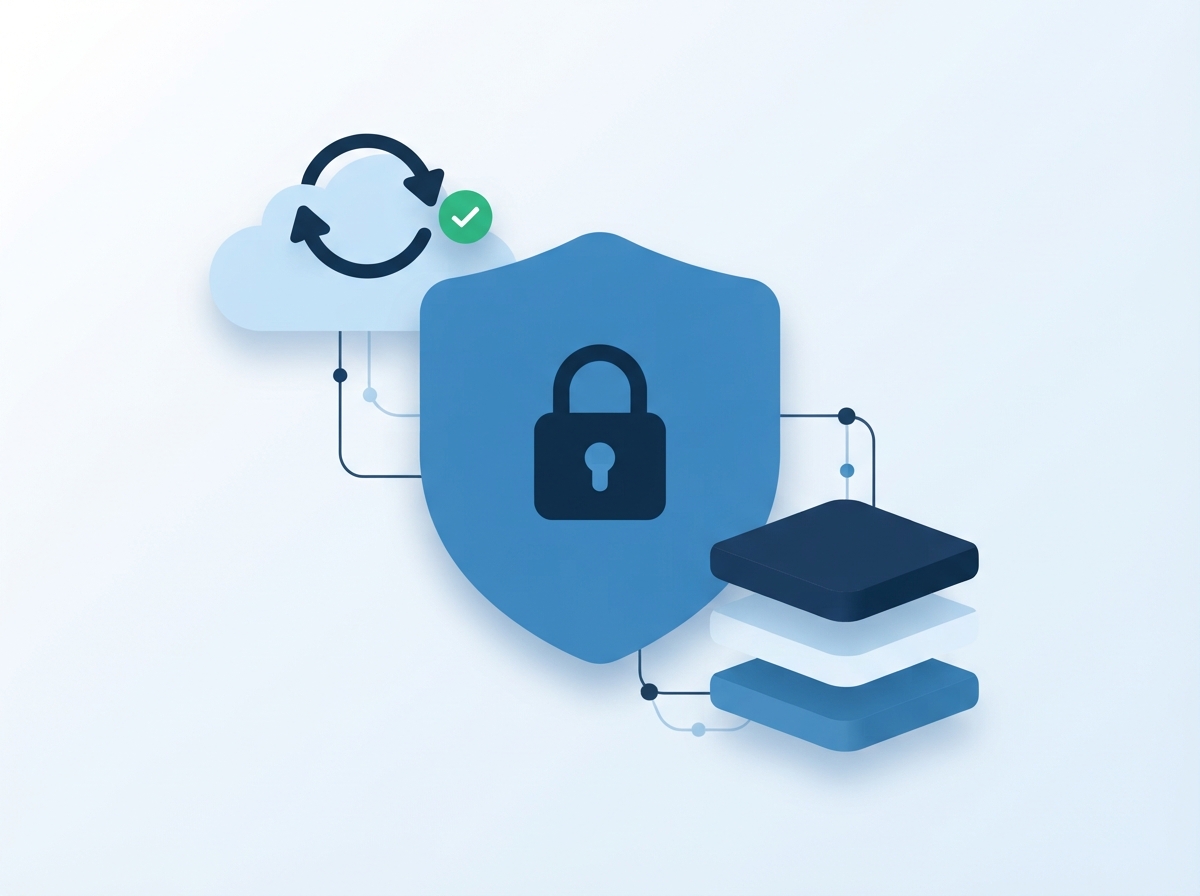
Isolated by company
Your company's data is separated from every other company on the platform.
Role-based access
Requesters, approvers and admins each see only what they should.
Encrypted connection
All traffic runs over HTTPS.
Daily backups
Automated daily backups, including a copy stored off the server.
Admin activity log
Changes to users, forms and workflows are logged.
Clear legal terms
Versioned Terms and Privacy Statement — you're asked to review every update.
Account setup service
No time to build it yourself? We'll build it with you.
We map your current processes and build the forms and approval paths with you — so you're running on FlowDesk from day one. Team training is available as an add-on.

Simple, transparent pricing
Choose the plan that fits your team. Need something different? We'll tailor it.
Up to 30 users, 10 active forms
Up to 100 users, unlimited forms
Unlimited users + custom branding + dedicated account manager
- Account setup service (turning your paper processes into digital forms): $1,200 one-time
- Corporate training workshop (half-day): $800/session
Not sure which plan fits? Talk to us.
Frequently asked questions

Your next approval doesn't have to live in WhatsApp.
Create your FlowDesk account and build your first approval process today.